

Slack update
Fast team status without rewritingNew on mobile: faster typing + Rewrite
Speak or type. Send clean text.
Dictate in any app or use the full AI keyboard. Smarter corrections keep up with fast typing, and Rewrite is one tap away.
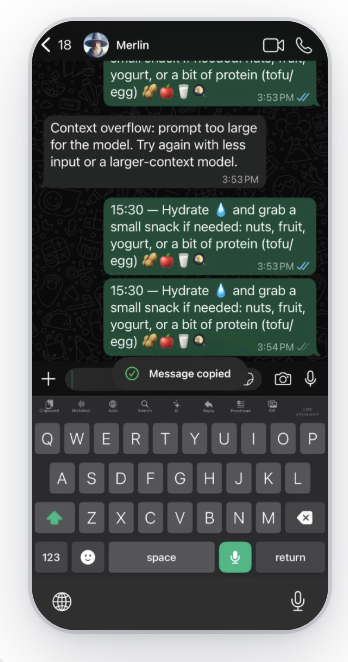
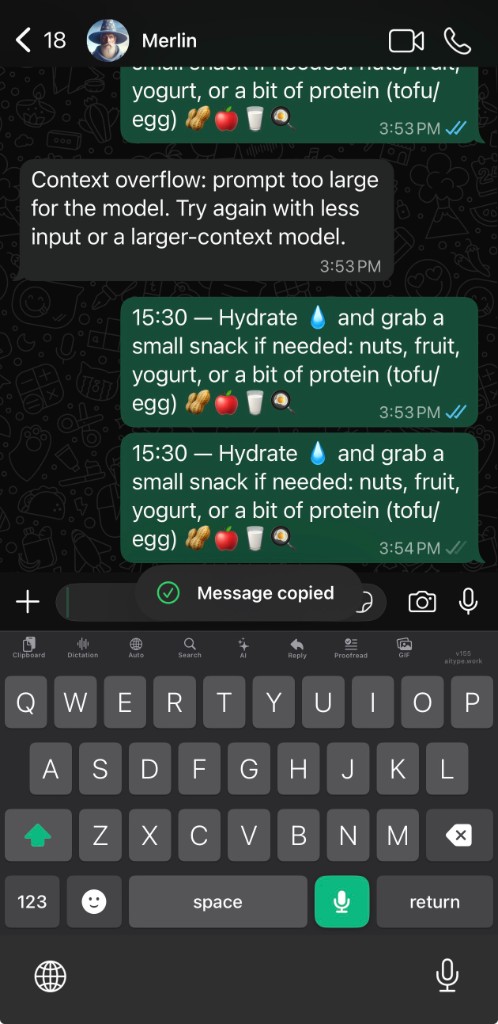
Real AiType demo on iPhone. The same clean-text workflow works on Mac, Windows, and Android.
14-day trial · no cardMac · Windows · iPhone · AndroidNo audio storage
Plans start at $4.99/mo direct. Ask live AI support.
5x faster
Works wherever you type.
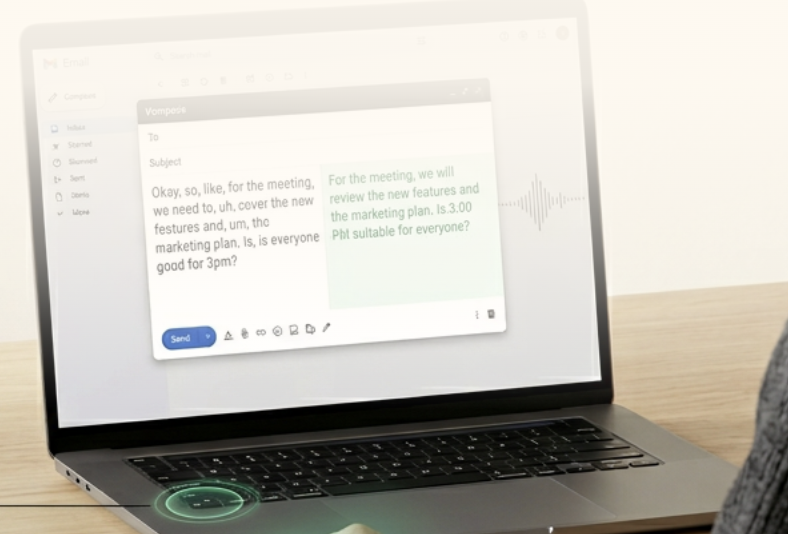
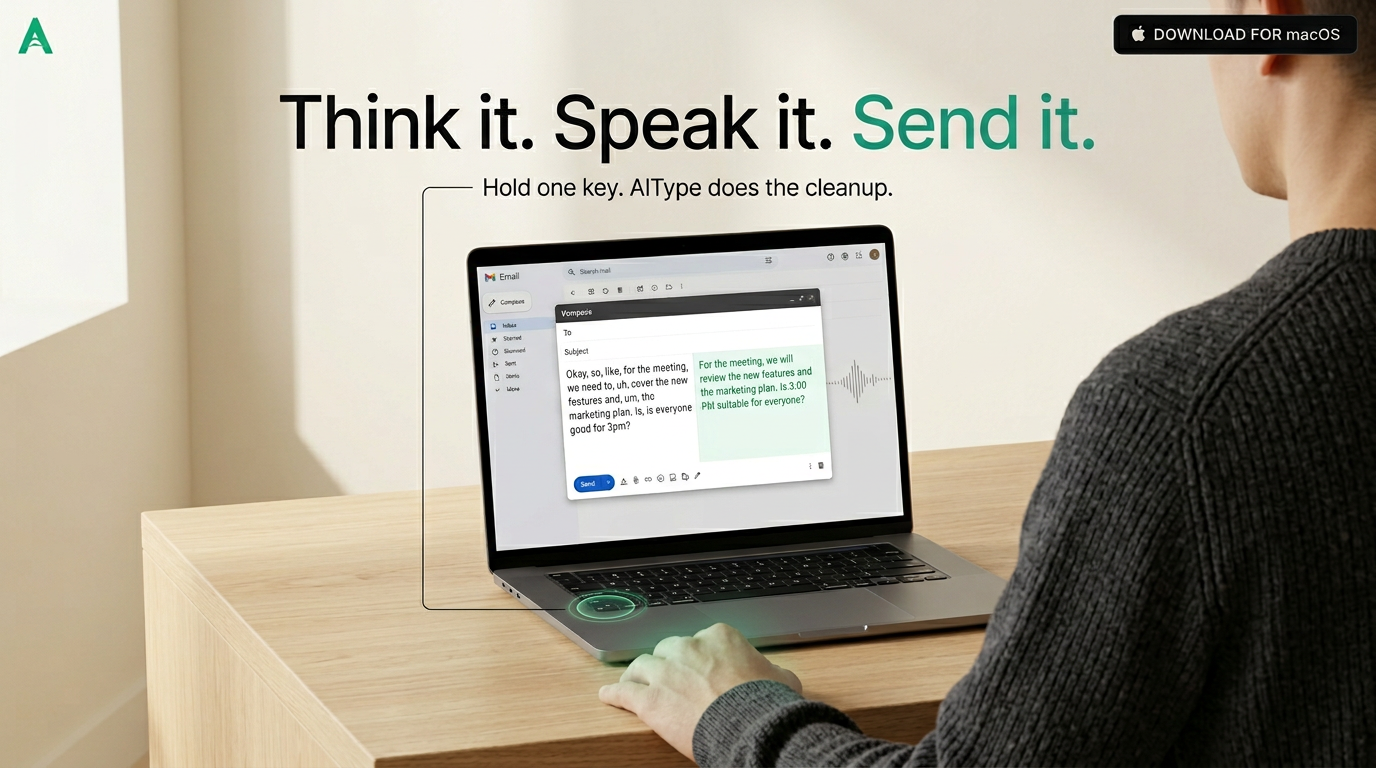
Hold the shortcut on desktop or use the mobile keyboard. AiType turns rambling speech into polished text in ~250ms, then pastes it into the app you are already using. Audio is discarded after transcription and normal transcripts are not retained on our servers.
~250msfast transcription and cleanup
$4.99 / $9.99direct monthly plans
4 platformsMac, Windows, iPhone, Android
Any appemail, chat, docs, code
Privateno stored transcript after normal use
Fast starts at $4.99/mo and Smart at $9.99/mo direct. Secure processing is included on every plan: no audio storage, no normal transcript retention, and encrypted expiring share links. See privacy.
One simple workflow across every device.
Speak it. Type it. Send it.
AiType gives Android, iPhone, Mac, and Windows the same simple loop. Start with speech, fast typing, swipe, or copied context. Smarter corrections keep up while you type, and one-tap Reply and Rewrite clean up the result before you send it. That is especially helpful for dyslexic users and for anyone who does not want to manually polish every message.
How AiType works
From idea to send,
in one pass.
Hold & speak
Tap the green mic. Say it naturally. Done in ~250ms.
AI cleans it up
Fixes punctuation, capitalisation, grammar, wording, and formatting automatically, while matching your tone.
Paste anywhere
Works in WhatsApp, Gmail, Slack, Notes — any app.
Type at full speed
Smarter corrections keep up with quick taps and glide typing.
Trusted by top performers who need writing that keeps up






5x faster than typing
5x faster
Speak at full speed. AiType transcribes in ~250ms and pastes clean text before you reach for the keyboard.
Typing
75 wpm
AiType
375 wpm
Vibe code with your voice
Speak to Cursor. Queue Codex tasks from your phone.
Dictate straight into Cursor on desktop. For Codex, pair your Mac with your AiType account once, then send structured tasks from the mobile keyboard to that connected worker.
1
Say the change. Describe what you want built, changed, or fixed naturally.
2
AiType structures it. Your voice becomes a clear prompt or a queued Codex task.
3
Send it to the right place. Cursor receives the prompt, or your paired Mac queues the Codex task.
Done
Voice → Cursor prompt
"refactor the auth service to use JWT tokens instead of session cookies and add refresh token rotation"
Refactor the auth service to use JWT tokens instead of session cookies. Add refresh token rotation with a 7-day expiry window.
 Cursor · Completed
Queued
Voice → Codex prompt
"now add rate limiting to the API endpoints use a sliding window and set it to 100 requests per minute per user"
Add rate limiting to all API endpoints. Use a sliding window algorithm, 100 requests per minute per user. Return 429 with retry-after header.
Codex · Queued
Queued
Voice → Slack update
"tell the team auth is done and rate limiting is next should be ready by end of day"
Auth refactor is done — switched to JWT with refresh rotation. Rate limiting is next, should be ready by EOD.
 Slack · Queued
Built for real workflows
Built for the writing people do when work is already moving.
A normal workday
One capture can become three different outputs.
Voice -> cleanup -> send
Email follow-up
Polished message for external contextStructured notes
Turn spoken thinking into a working draftWhere AiType fits best
When your hands are slower than your thoughts.
Fast updatesSlack, Teams, Messages
Polished follow-upsEmail, CRM, support queues
Working draftsDocs, notes, editors, prompts
↓ cleaned
AI Cleanup
AI
Start messy, land polished. Names, intent, and context stay intact.


Mac, Windows, iPhone, and Android
Hold the shortcut on desktop, or use the full AiType keyboard on iPhone and Android for dictation, Reply, AI rewrite, saved clips, and more.
Download appHold the shortcut. Speak.
Active app: Docs
AiType cleans it.
↓
Pasted. Back to work.
Docs
Slack
Email
Cursor
iPhone keyboard
Use the full AiType keyboard directly inside the chat box.
Type at full speed with smarter corrections, swipe across the keys, tap Mic and then tap Stop to dictate, use one-tap Reply and Rewrite, keep saved clipboard and on-device voice history, search contacts, paste GIFs as images, switch languages, and pick emoji, all without leaving the conversation.
Fast typing corrections
Swipe typing
Groq dictation
One-tap Reply
One-tap Rewrite
Saved clipboard
Voice history
Contact search
GIF + emoji
Real iPhone build
Swipe when typing feels faster
Tap Mic, speak, then tap Stop
Reply suggestions from copied messages
Saved clipboard with quick import
Voice history stays saved
Contact search and language menu
GIF search — pastes the image, not a link
Emoji selector built into the toolbar
Proof from real workflows
AiType stays open when the work is urgent, messy, and moving fast.

Inbox Speed
"This has made messaging genuinely enjoyable. I can already see it becoming one of those tools you can't imagine working without."

Daily workflow
"I use AiType almost every day. It's become one of my favorite parts of clearing my inbox — I move through it so much faster now."

Accessibility
"I have Parkinson's, and this app has made a real difference on my Mac. It's changed how I work every day."
Fast product instinct
Marcus ChenCEO, Velocity
"The best AI productivity tool I've tried in years."
Writer flow
Sarah EllisonAuthor and Writing Coach
"It keeps me in a flow state — no more losing the thread because I had to stop and type."
Board docs
Tom HargreavesCEO, Ledger Labs
"I dictated most of our last board doc with AiType. It saved me hours I didn't have."

Start talking Start typing
Download AiType on Mac, Windows, iPhone, or Android. Use it where you already work, with billing handled on the platform you signed up on.
Still not sure that AiType is right for you?
Let ChatGPT, Claude, or Perplexity do the thinking for you.
Click a button and see what your favorite AI says about AiType.


Something went wrong during sign-in. Please try again.