Spoken
uh can you make this sound more professional and tell them I will send it tomorrow morning
to
AiType
I will send this over tomorrow morning. Thanks for your patience.
Ai voice dictation
AiType turns natural speech into clean messages, emails, docs, and AI prompts across your apps.
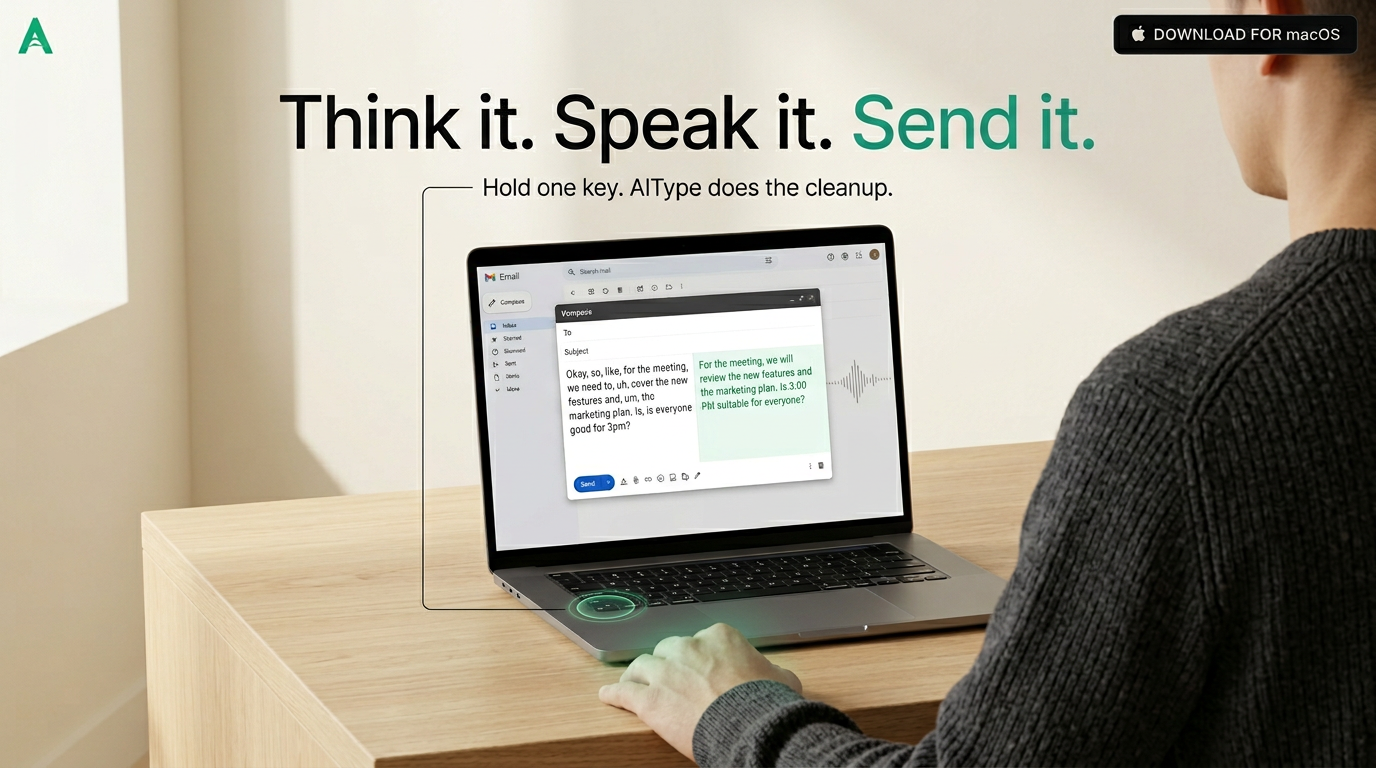
uh can you make this sound more professional and tell them I will send it tomorrow morning
I will send this over tomorrow morning. Thanks for your patience.
Before and after
Dictation should not leave you editing a raw transcript. AiType keeps the speed of speech and gives you text that is ready to use.
uh can you make this sound more professional and tell them I will send it tomorrow morning
I will send this over tomorrow morning. Thanks for your patience.
write a cursor prompt to refactor this auth flow but do not break tests
Refactor the authentication flow for clarity and maintainability. Preserve current behavior and ensure all existing tests continue to pass.
hey sorry running five late can we start at ten oh five
Sorry, I am running five minutes late. Can we start at 10:05?
The gap
Most people can speak faster than they type. The problem is everything that happens after the transcript appears.
You still fix filler words, punctuation, names, casing, formatting, and awkward phrasing by hand.
Emails, chat replies, notes, specs, and AI prompts stack up because every sentence has to be manually shaped.
AiType works directly where you already type, so the finished text lands in the app you were using.
Use cases
Choose the mode of work. The pattern stays the same: hold, speak, release, paste polished text.
Speak the real point first. AiType turns it into a calm response with the right structure and punctuation.
Fast team replies without the messy transcript. Useful for status updates, blockers, and decisions.
Dictate the rough engineering intent, then paste a precise prompt into Cursor, Claude, or ChatGPT.
Turn a rushed spoken message into something clear without losing the human tone.
Capture ideas while walking, reading, or working through a task, then keep the useful structure.
Trust
AiType focuses on the text you want to send. Audio is processed for transcription and not stored.
Your speech is not kept as an audio archive.
Use it where you already write instead of moving text between tools.
Try it on your real writing before deciding.
Mac, Windows, iPhone, and Android are supported.
Download AiType free and try it in the apps where you already spend your day.